
Document Authentication Statuses
Integration Guides
This page sets out possible statuses, explanatory status codes, CDD Report availability, and risk codes for Document Authentication.
Note
In addition to checking the status in webhook notifications, you can check the status of a specific Document Authentication case at any time using the Get Document Authentication status endpoint.
Statuses
Possible statuses include:
| Status | Guidance |
|---|---|
new | Description: The case is successfully created. Action: Wait for the next status. |
pending | Description: We are validating the data. Action: Wait for the next status. Status code: 1000 |
inconsistent_data | Description: We found inconsistent data. Action: Retry. Status codes: 3000 series |
invalid_data | Description: We found invalid data. Action: Retry. Status codes: 3000 series |
completed | Description: We have processed the case. For our recommendation to accept or reject it, see the risk code. Action: Download the CDD Report. Status codes: 4000 – 5000 series Risk codes: 200 or 500 |
Status flow diagram
The pathways for statuses are as follows:
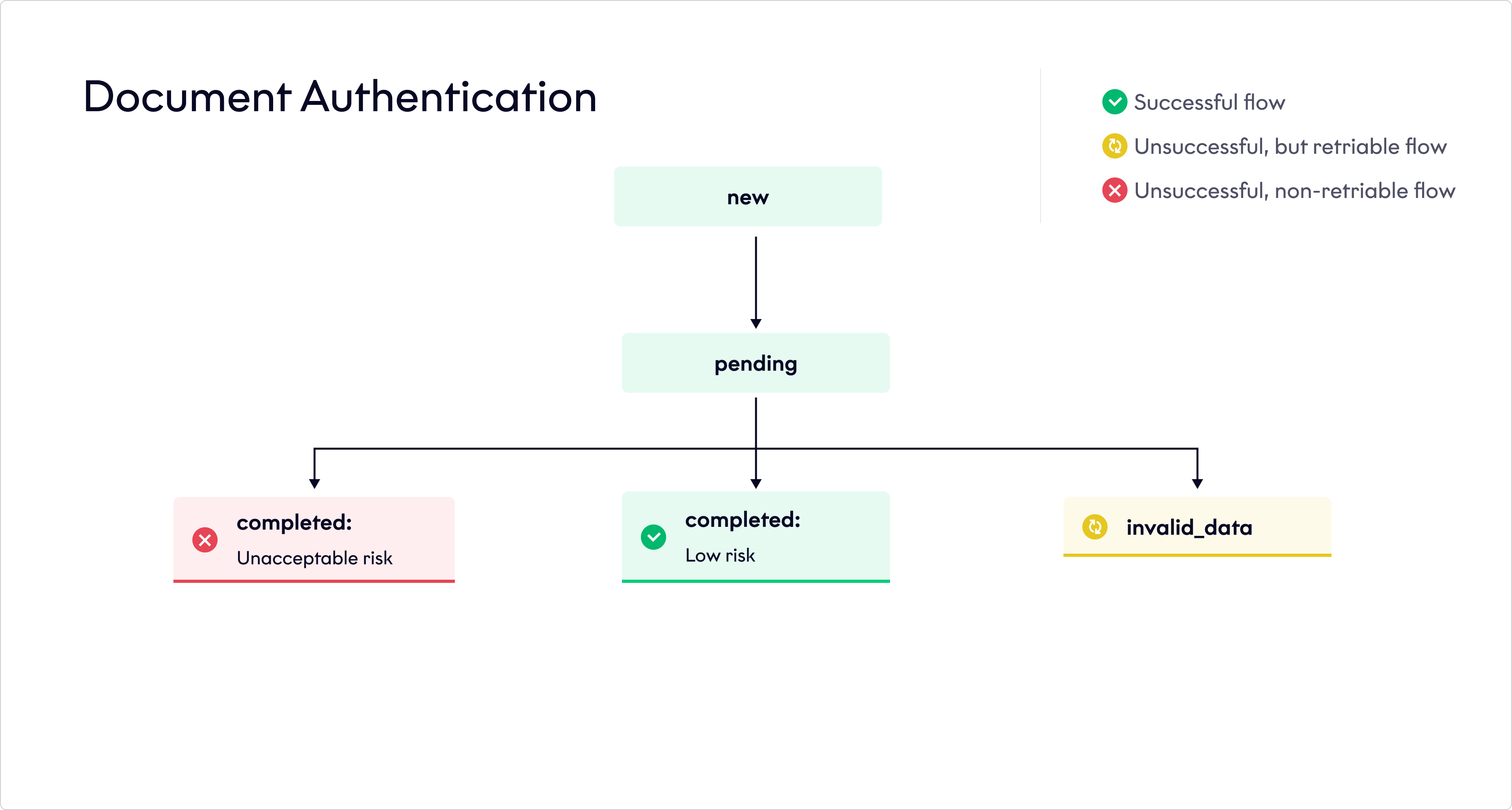
Document Authentication status flow
Risk codes
Possible risk codes include:
| Risk code | Risk score |
|---|---|
200 | completed_low_risk |
500 | completed_unacceptable_risk |
Status codes
Statuses can be accompanied by one or multiple of the following status codes:
Updated about 2 months ago