
German eID Solution Integration
Integration Guides
App Drop-in guide
This guide provides step-by-step instructions on how to integrate the German eID Solution using the App Drop-in.
Before you begin, make sure you have completed the following:
- App Drop-in setup with your chosen SDK
- App UI Customization
- Solution setup
Flow
Click to magnify
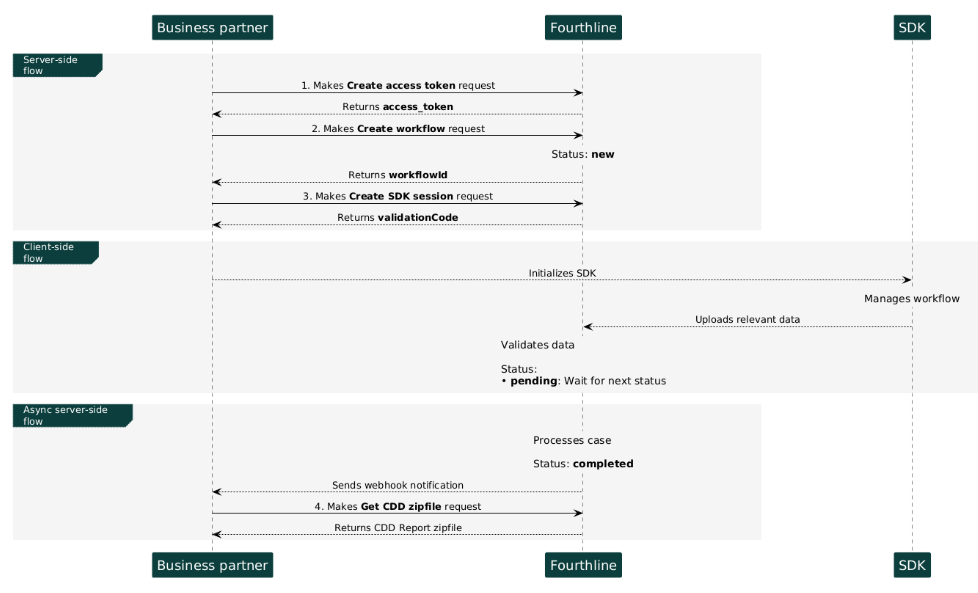
German eID App Drop-in flow
1. Authenticate
Create an access token to authenticate in our API:
- You provide your Fourthline API key.
- You receive an
access_token.
API Reference – Create access token
Important
For security, access tokens are valid for 1 hour only.
If your token expires, create a new one by making another Create access token request.
2. Create workflow
Create a workflow:
- You specify the
workflowNameand provide your unique identifier for the client. - You receive a
workflowIdand a FourthlineclientId.
API Reference – Create workflow
3. Create the SDK session
Create the App Drop-in session:
- Provide the
workflowId. - Receive a
validationCodeto pass to the SDK in your backend.
API Reference – Create SDK session
Important
- SDK validation codes are single-use and expire after 2 hours.
- If the client stops partway through the workflow, create a new SDK session.
- When the client closes the app, the
validationCodeis invalidated and removed from the cache.
4. Download CDD Report
When the case status is completed, download the CDD Report zipfile:
- You provide the
workflowId. - A successful response is empty and the report is downloaded.
Tutorial: Get CDD zipfile
API Reference: Get CDD zipfile
JSON Response (eID)
{
  "ModifiedDateTime": "2026-06-12T08:46:44.4138864Z",
  "ClientNumberProvider": "d81b5948-87f2-08aa-6548-80753df6e7be",
  "UserData": {
    "Document": {
      "Tax": {
        "TIN": "",
        "UsTIN": "",
        "UsPerson": "False",
        "CountrySubjectToTaxation": ""
      },
      "Person": {
        "Name": "",
        "Type": "",
        "Gender": "",
        "Initials": "",
        "LastName": "MUSTERMANN",
        "BirthDate": "1964-08-11",
        "FirstName": "ERIKA",
        "MiddleName": "",
        "Nationality": "",
        "PlaceOfBirth": "BERLIN",
        "CountryOfBirth": ""
      },
      "Address": {
        "City": "KÖLN",
        "Region": "",
        "Street": "HEIDESTRASSE 17",
        "Country": "DEU",
        "PostalCode": "51147",
        "StreetNumber": "",
        "StreetNumberPrefix": "",
        "StreetNumberSuffix": ""
      },
      "Documents": [
        {
          "DocumentType": "National ID Card",
          "DocumentIssuingCountry": "DEU",
          "ExpirationDate": "2030-08-10"
        }
      ],
      "Profession": {
        "Industry": "",
        "Employment": "",
        "Profession": ""
      },
      "EmailAndPhone": {
        "Email": "",
        "Phone": "",
        "Mobile": ""
      },
      "Latitude": 52.374,
      "Longitude": 4.8897
    }
  },
  "RiskCategory": "COMPLETED",
  "Analyst": "SNCA 999999999999",
  "Messages": []
}
Example JSON Response (eID with Biometrics)
{
  "hash": "0a48b17ce91808ee9990051c01a8f02e",
  "data": {
    "ModifiedDateTime": "2025-10-13T13:59:17.4634511Z",
    "ClientNumberProvider": "Playwright_Happy_path_MAX_93b49b86-e26d-41db-bff6-3397bac87cce",
    "UserData": {
      "Document": {
        "Tax": {
          "TIN": "",
          "UsTIN": "",
          "UsPerson": "False",
          "CountrySubjectToTaxation": ""
        },
        "Person": {
          "Name": "",
          "Type": "",
          "Gender": "",
          "Initials": "",
          "LastName": "Smith",
          "BirthDate": "1964-08-12",
          "FirstName": "John",
          "MiddleName": "James",
          "Nationality": "DEU",
          "PlaceOfBirth": "BERLIN",
          "CountryOfBirth": ""
        },
        "Address": {
          "City": "ALBATERA",
          "Region": "",
          "Street": "C. MESON",
          "Country": "ESP",
          "PostalCode": "03340",
          "StreetNumber": "21",
          "StreetNumberPrefix": "",
          "StreetNumberSuffix": ""
        },
        "Documents": [
          {
            "DocumentType": "National ID Card",
            "DocumentIssuingCountry": "DEU",
            "ExpirationDate": "2030-08-10"
          },
          {
            "Files": [
              {
                "Id": "d289b62f-c1c7-40bd-80dc-02907ac065eb",
                "Side": "Front",
                "FileType": "JPG",
                "FileLocation": "selfie.jpg"
              }
            ],
            "IssueDate": "",
            "DocumentType": "Selfie",
            "DocumentNumber": "",
            "DocumentIssuingCountry": "",
            "ExpirationDate": "",
            "ResidenceAddress": "N/A"
          },
          {
            "Files": [
              {
                "Id": "a461f013-5074-44dd-b4bc-320ec06f6ead",
                "Side": "Front",
                "FileType": "MP4",
                "FileLocation": "selfieVideo.mp4"
              }
            ],
            "IssueDate": "",
            "DocumentType": "Selfie Video",
            "DocumentNumber": "",
            "DocumentIssuingCountry": "",
            "ExpirationDate": "",
            "ResidenceAddress": "N/A"
          }
        ],
        "Profession": {
          "Industry": "",
          "Employment": "",
          "Profession": ""
        },
        "EmailAndPhone": {
          "Email": "[email protected]",
          "Phone": "+34659826453",
          "Mobile": "+34659826452"
        },
        "Latitude": 36.4192,
        "Longitude": -6.1494
      }
    },
    "RiskCategory": "ACCEPTED",
    "Analyst": "SNCA100044",
    "Messages": []
  },
  "dataValidationError": {},
  "verificationId": "26e208a9-d8af-4ebf-ae73-84ff6ffef872",
  "processType": "NaturalPersons",
  "verificationStatus": "success",
  "riskInfo": {
    "statusCode": 10,
    "description": "Low"
  }
}
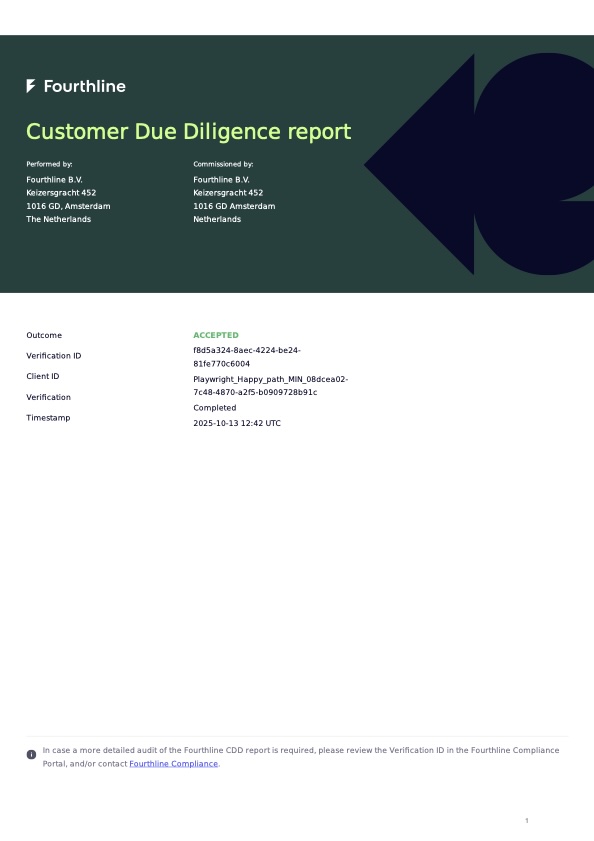
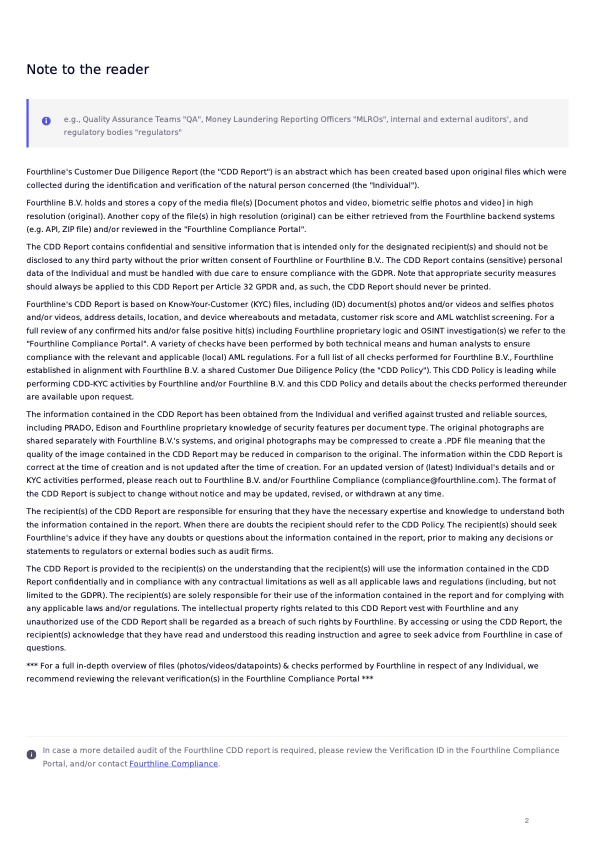
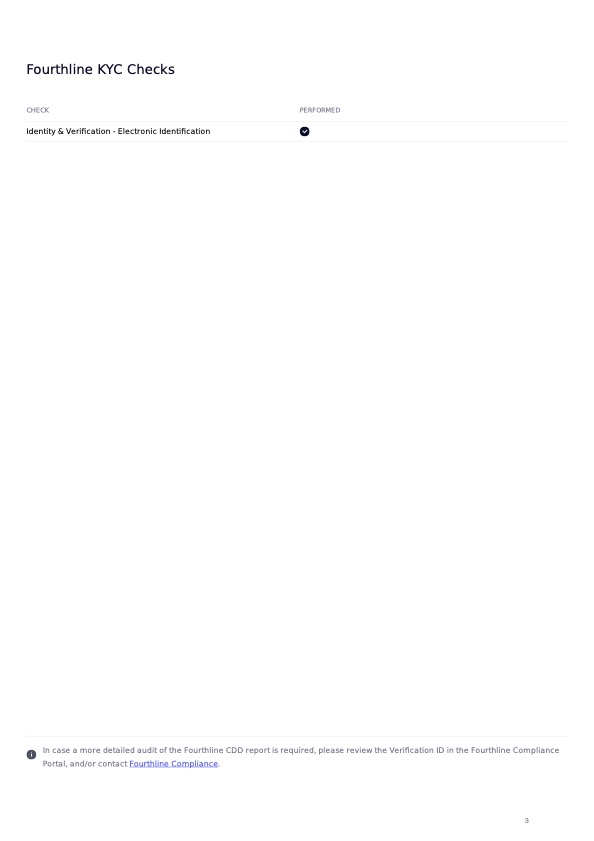
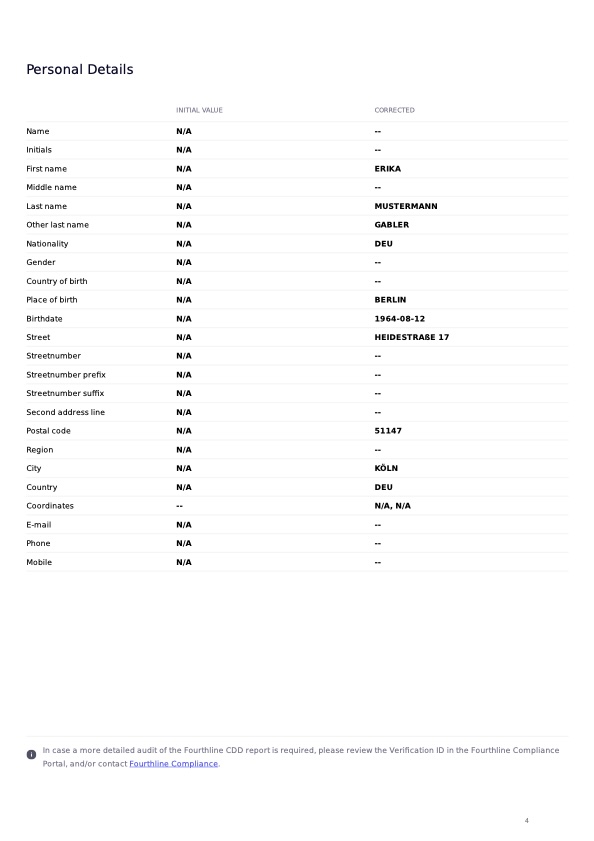
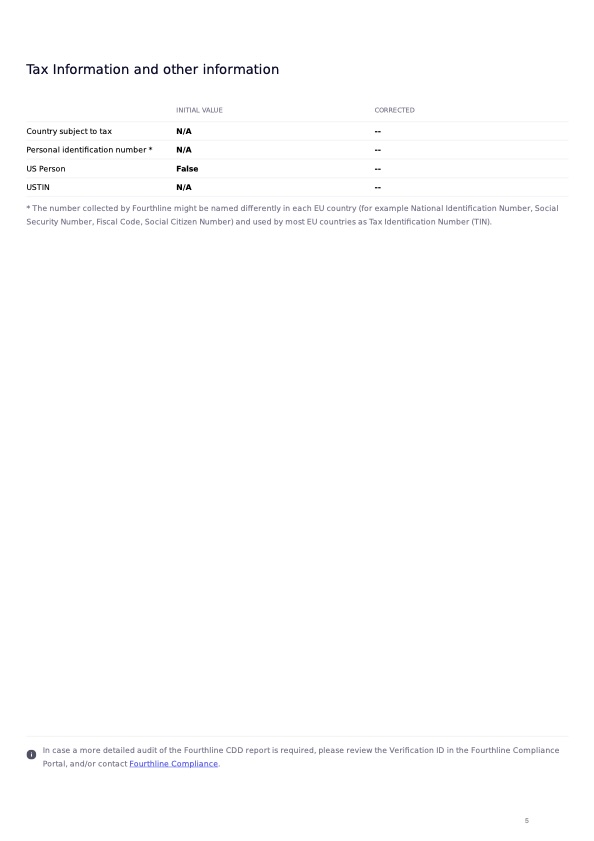
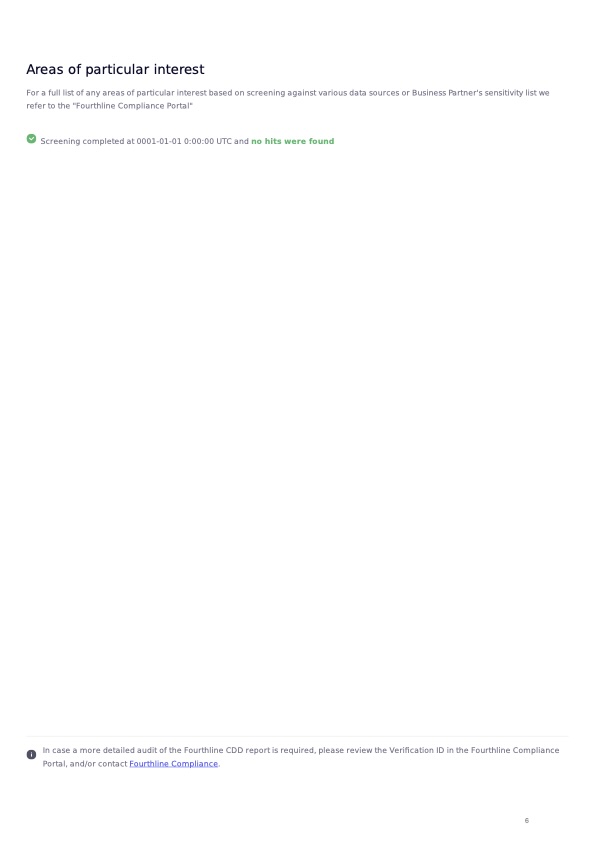
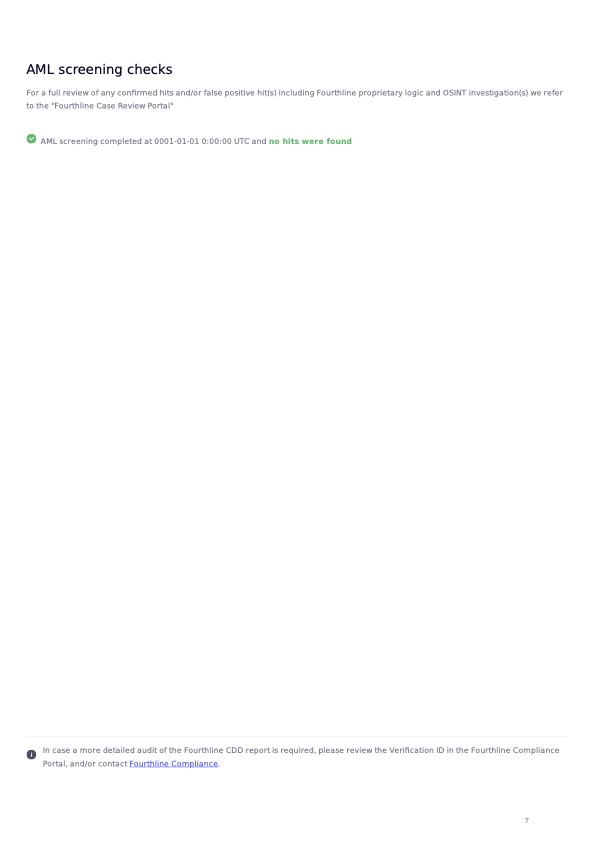
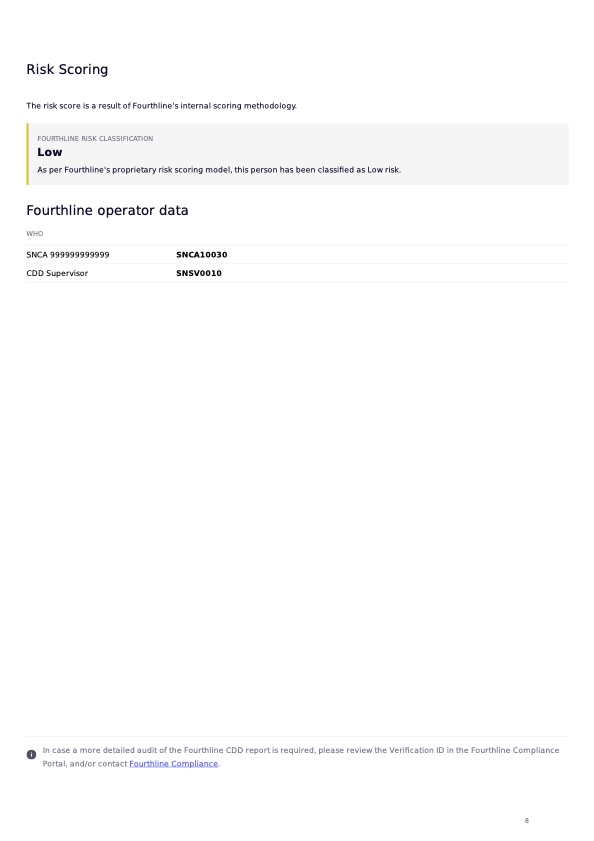
Example CDD Report
Statuses
Important
Prevent duplicate submissions by following the recommended handling described here.
Possible notifications include:
| Status | Guidance |
|---|---|
new | Description: The workflow is successfully created. Action: • SDK integration: Wait for the next status. |
pending | Description: We are validating the data. Action: Wait for the next status. Status code: 1000 |
inconsistent_data | Description: We found inconsistent data (rare scenario). Action: Create a new workflow. Status code: 3710 |
rejected | Description: We concluded that the electronic identity document is not valid. Status code: 4500 |
completed | Description: We have processed the case. Action: Download the CDD Report zipfile. |
3710: Sendback
This status code can accompany inconsistent_data status and includes:
| Status code | Guidance | |
|---|---|---|
3001 | Description: The electronic identification process was not completed. Action: Create a new workflow. |
4500: Rejection
Fatal
The client cannot retry.
This status code can accompany completed status and includes:
| Status code | Description |
|---|---|
4500 | Invalid electronic identity document. |
Updated 23 days ago