
Case Auditing
Review & Audit
Case Auditing enables human reviewers to inspect completed cases and validate individual checks and evidence.
Human agents audit completed cases, like a live, interactive CDD Report. They cannot change the original outcomes.
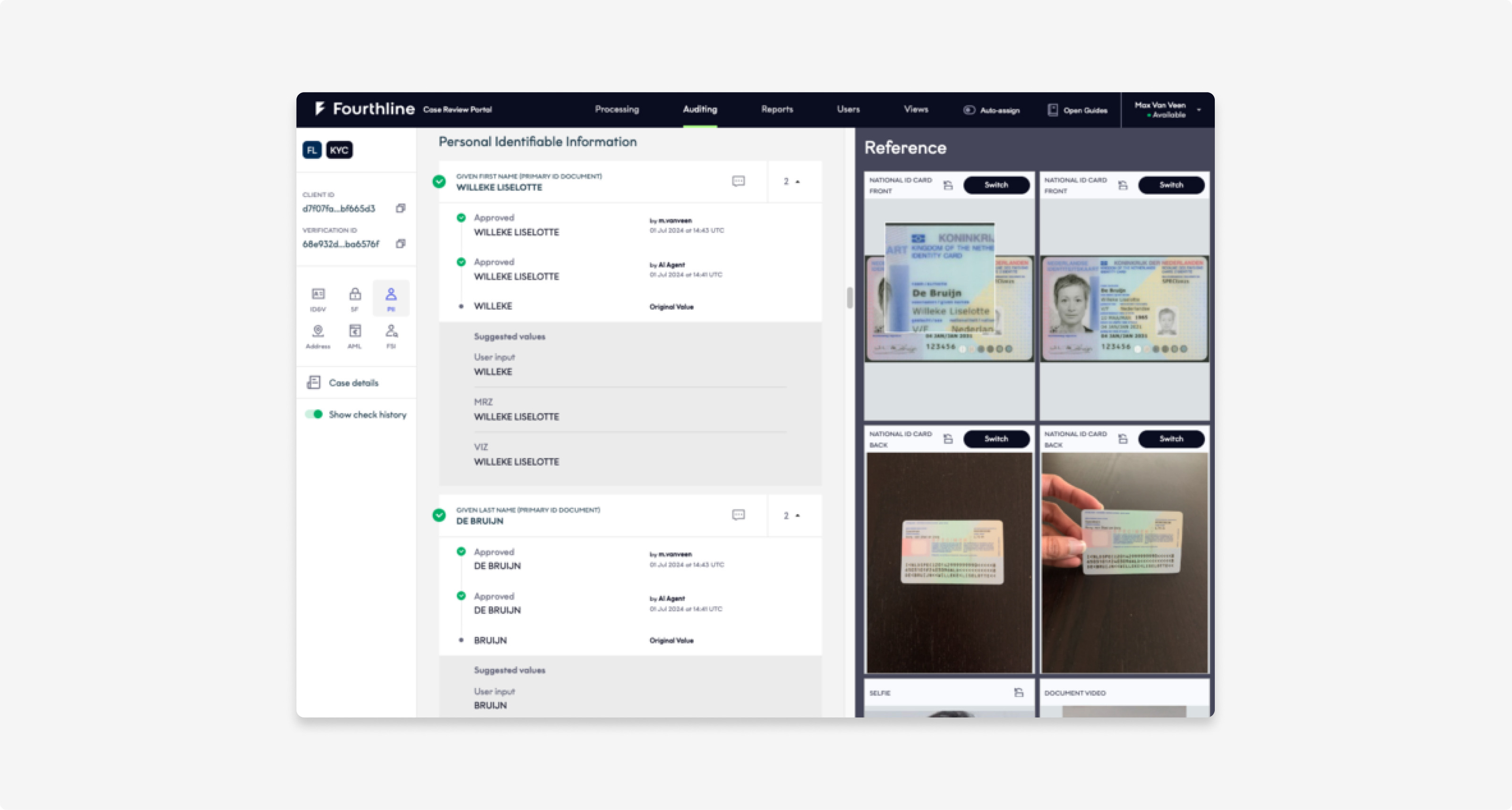
Case Auditing
Features
Case Auditing includes the following features:
| Feature | Description |
|---|---|
| Case filter | Filter completed cases to audit by human agent, case identifier, identifier for the cliententifier, product/solution, and time frame. |
| Checks library | Validate 200+ data points to understand how specific checks or whole cases were assigned their final outcome. |
| Responsive video viewing | Auditors can automatically play and pause selfie and document videos, change the playback speed, and enlarge the video frame. |
| Image comparison | Auditors can compare a series of images next to each other, adjust the view of images taken at difficult angles to make them easier to read, and zoom in up to 100 times. |
| Google Maps and Street View integration | Auditors can perform additional checks on locations. |
| Time tracking | Auditors can set their work status to track their activity and productivity. |
| Check correction | Auditors can correct incorrect checks. |
Next steps
Continue to the Review & Audit integration guide to learn more about the Fourthline-powered operating model.
Updated 3 months ago