
Selfie Photo
Product overview
Selfie Photo ensures identity verification is fast, reliable, and secure by automatically comparing the client’s selfie with the portrait on their identity document to confirm they are the rightful holder.
How it works
- The client takes a selfie and Fourthline performs a facial similarity check against the portrait on their identity document to confirm they are the document holder.
- The client mustn't receive assistance from any third party while taking the selfie photo.
- The client can wear glasses but their face must otherwise be fully visible, e.g. no surgical face masks.
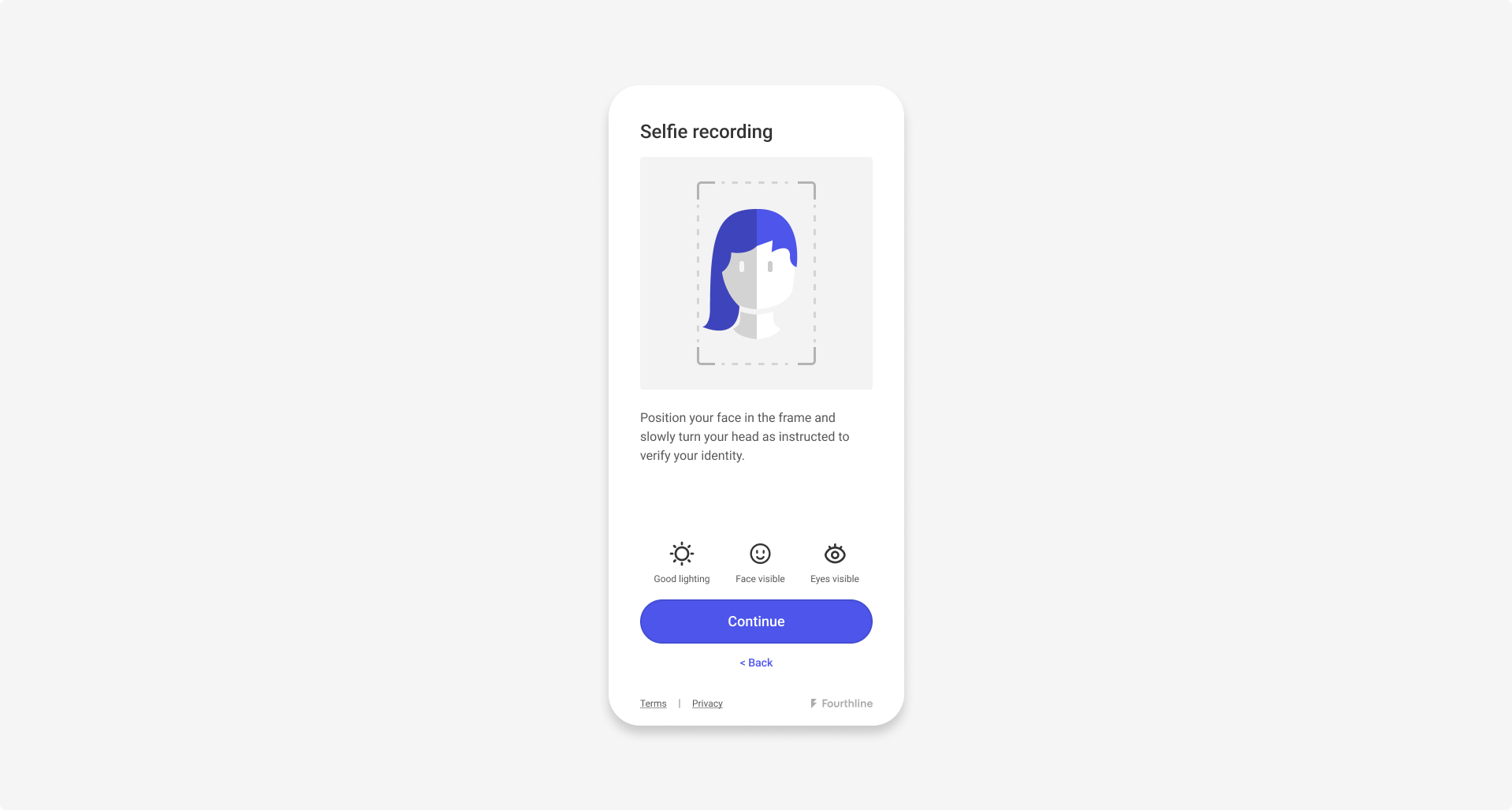
Introduction screen
- The client positions their face within the mask and takes a selfie, and then confirms the photo.
- Fourthline first tries to take the selfie photo automatically. This involves loading and starting facial recognition models, and then waiting until the device is steady and the client's face is correctly positioned. If we cannot take the photo automatically, a Take photo button appears.
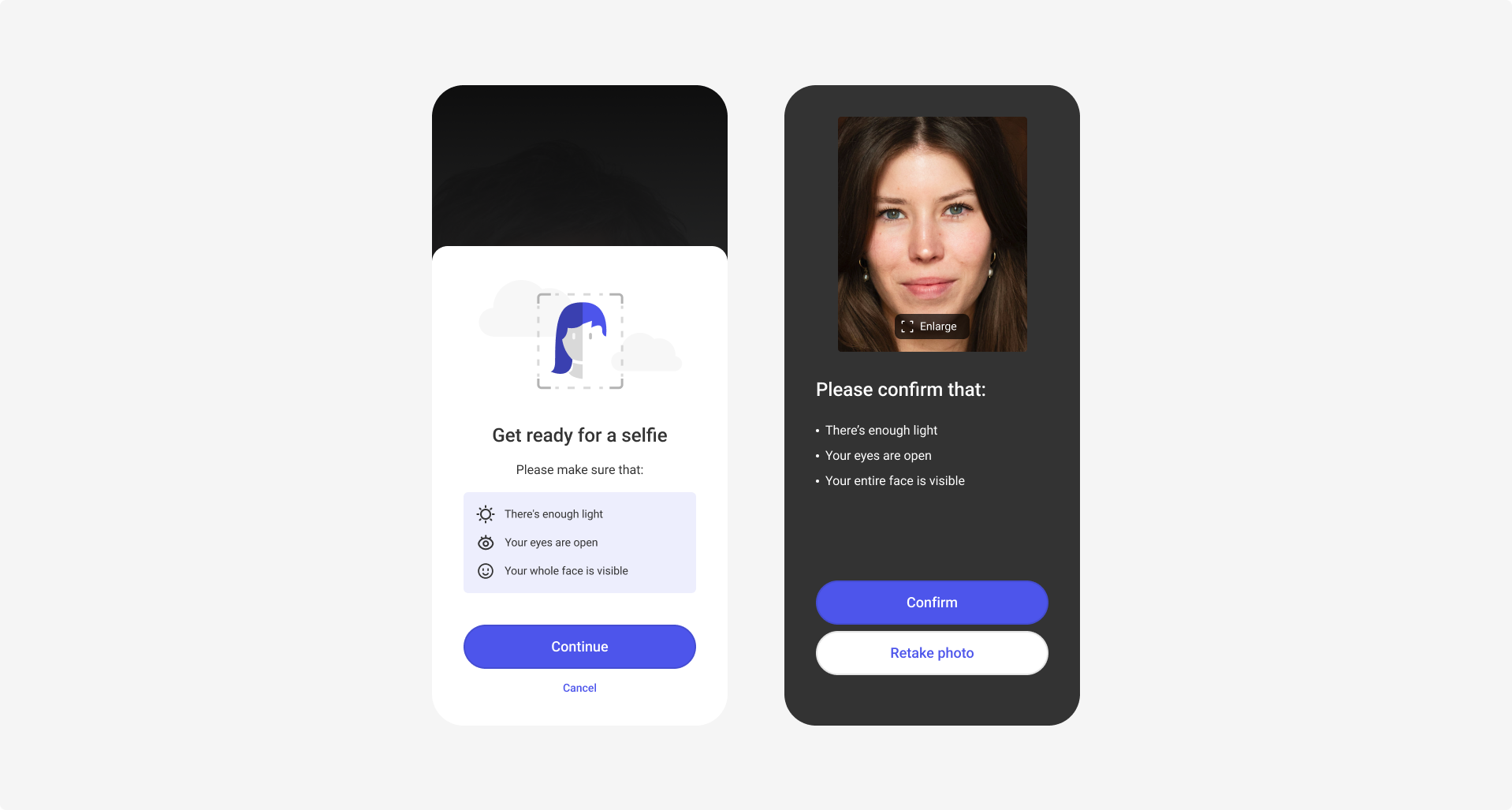
Client takes selfie and confirms photo
Verification checks
Fourthline performs the following checks:
| Check | Description | Required |
|---|---|---|
| Self-capture | The client took the selfie themselves during the workflow using the device camera, and it wasn't otherwise inserted via captures, camera roll or library sources, or by any third party. |  |
| Image quality | The quality of the selfie photo is acceptable so that we can process it correctly. | |
| Single face | There is only 1 face visible in the photo for GDPR compliance. | |
| Authenticity | The selfie is authentic and a true likeness of the client, and is not a photo of another photo or digitally manipulated (for example, deepfakes). | |
| Facial similarity | The face in the selfie matches the identity document portrait. We compare the faces and generate a percentage similarity score. We automatically accept scores of at least 90%. If the score is less than 60%, our human agents perform an additional four-eyes review. | |
We send selfies back if we detect that:
- The selfie does not show the client’s face.
- The selfie photo is of another photo, even if the selfie video is authentic and shows motion.
- There are multiple faces in the selfie photo.
- The angle of the selfie photo does not let us compare it against the document portrait.
- The selfie photos is poor quality, e.g.:
- The client is too far from the camera.
- The client’s eyes are closed.
- The client is wearing sunglasses, or a reflection off glasses is covering their eyes.
- The client is not looking straight at the camera. In this case, we check the device model before sending back, because it might still be acceptable.
Next steps
Learn how to combine these products in your Identity Verification solution.
Updated 1 day ago